
內容目錄
安裝所須套件
apt install software-properties-common
add-apt-repository universe
apt update
apt install curl composer fping git graphviz imagemagick mariadb-client mariadb-server mtr-tiny nginx-full nmap php7.2-cli php7.2-curl php7.2-fpm php7.2-gd php7.2-json php7.2-mbstring php7.2-mysql php7.2-snmp php7.2-xml php7.2-zip python-memcache python-mysqldb rrdtool snmp snmpd whois *mbstring
安裝與設定 LibreNMS
useradd librenms -d /opt/librenms -M -r
usermod -a -G librenms www-data
cd /opt
git clone https://github.com/librenms/librenms.git
chown -R librenms:librenms /opt/librenms
chmod 770 /opt/librenms
setfacl -d -m g::rwx /opt/librenms/rrd /opt/librenms/logs /opt/librenms/bootstrap/cache/ /opt/librenms/storage/
setfacl -R -m g::rwx /opt/librenms/rrd /opt/librenms/logs /opt/librenms/bootstrap/cache/ /opt/librenms/storage/
安裝 PHP 相關套件
su - librenms
./scripts/composer_wrapper.php install --no-dev
exit
資料庫與帳號建立
systemctl restart mysql
mysql -uroot -p
CREATE DATABASE librenms CHARACTER SET utf8 COLLATE utf8_unicode_ci;
CREATE USER 'librenms'@'localhost' IDENTIFIED BY 'password';
GRANT ALL PRIVILEGES ON librenms.* TO 'librenms'@'localhost';
FLUSH PRIVILEGES;
exit
修改設定檔 (/etc/mysql/mariadb.conf.d/50-server.cnf)
# 找到 [mysqld] 區段加入下列
innodb_file_per_table=1
lower_case_table_names=0

# 改完退出編輯器重啟服務
systemctl restart mysql
設定網頁伺服器 (/etc/php/7.2/fpm/php.ini,請依據的版本找到對應路徑,本文以 7.2 為例)
# 設定正確時區
date.timezone = Asia/Taipei

# 改完退出編輯器重啟服務
systemctl restart php7.2-fpm
設定 Nginx 站台 (/etc/nginx/conf.d/librenms.conf)
# 以下設定貼上後存檔
server {
 listen      80;
 server_name librenms.example.com;
 root        /opt/librenms/html;
 index       index.php;

 charset utf-8;
 gzip on;
 gzip_types text/css application/javascript text/javascript application/x-javascript image/svg+xml text/plain text/xsd text/xsl text/xml image/x-icon;
 location / {
  try_files $uri $uri/ /index.php?$query_string;
 }
 location /api/v0 {
  try_files $uri $uri/ /api_v0.php?$query_string;
 }
 location ~ \.php {
  include fastcgi.conf;
  fastcgi_split_path_info ^(.+\.php)(/.+)$;
  fastcgi_pass unix:/var/run/php/php7.2-fpm.sock;
 }
 location ~ /\.ht {
  deny all;
 }
}

# 改完退出編輯器重啟服務
rm /etc/nginx/sites-enabled/default
systemctl restart nginx
設定 SNMP 服務
cp /opt/librenms/snmpd.conf.example /etc/snmp/snmpd.conf
curl -o /usr/bin/distro https://raw.githubusercontent.com/librenms/librenms-agent/master/snmp/distro
chmod +x /usr/bin/distro
systemctl restart snmpd
設定排程作業
cp /opt/librenms/librenms.nonroot.cron /etc/cron.d/librenms
cp /opt/librenms/misc/librenms.logrotate /etc/logrotate.d/librenms
檔案權限調整
chown -R librenms:librenms /opt/librenms
setfacl -d -m g::rwx /opt/librenms/rrd /opt/librenms/logs /opt/librenms/bootstrap/cache/ /opt/librenms/storage/
setfacl -R -m g::rwx /opt/librenms/rrd /opt/librenms/logs /opt/librenms/bootstrap/cache/ /opt/librenms/storage/
安裝流程
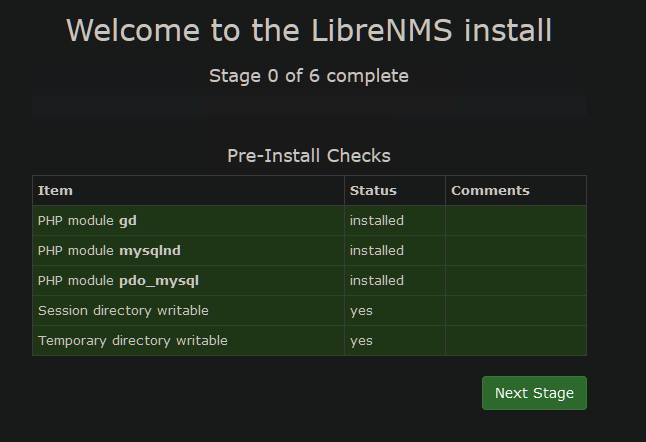
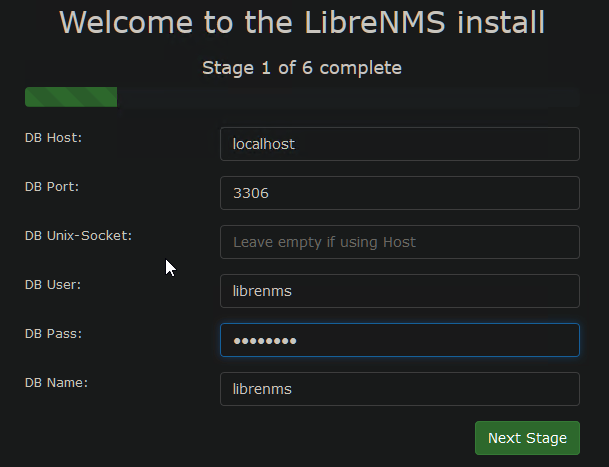
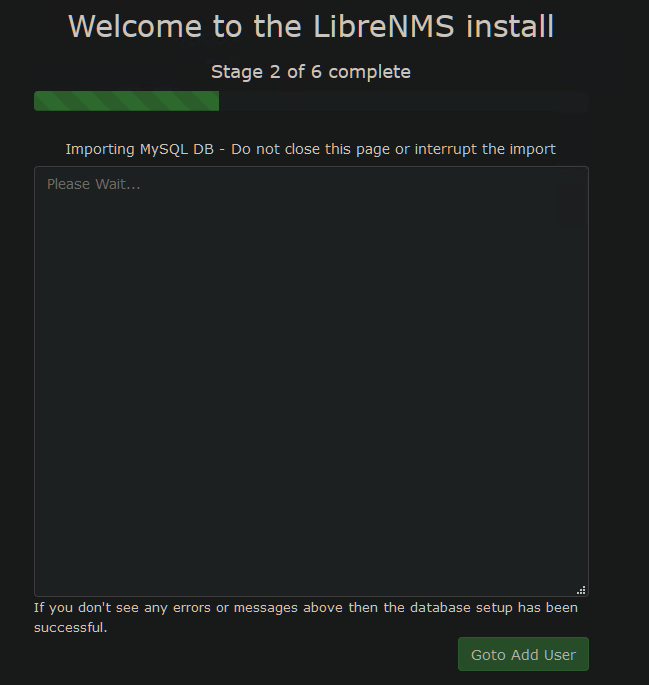
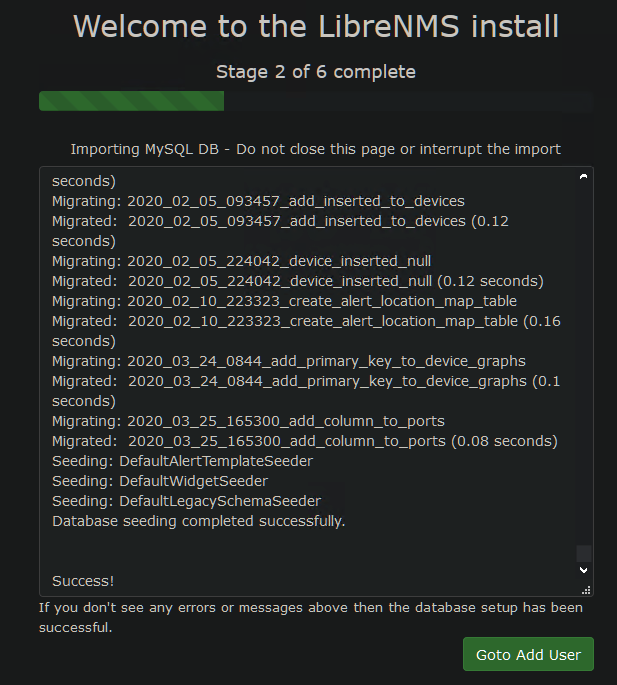
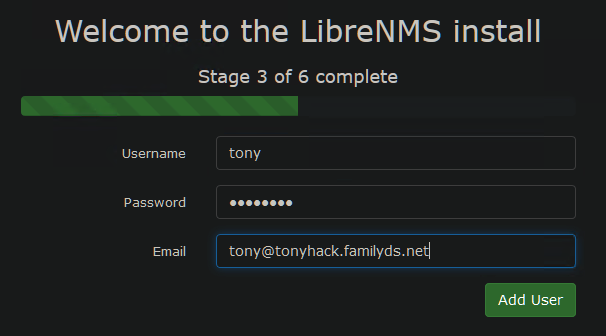
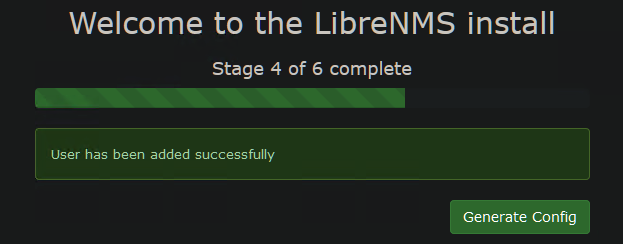
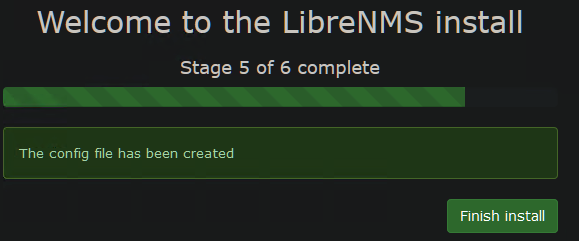
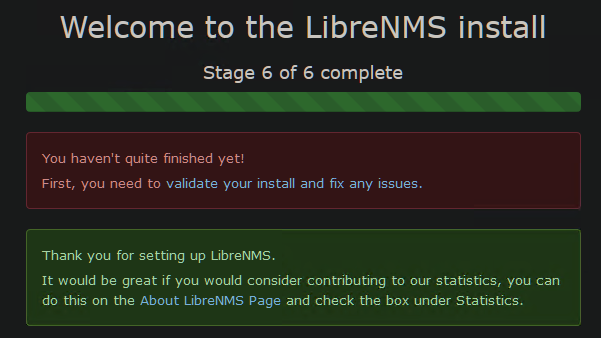
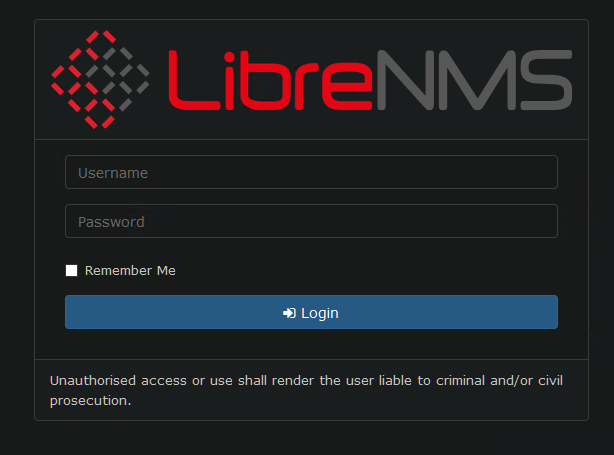
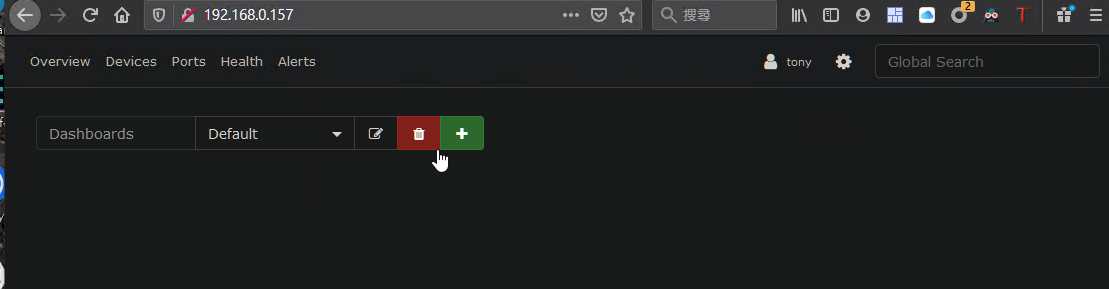

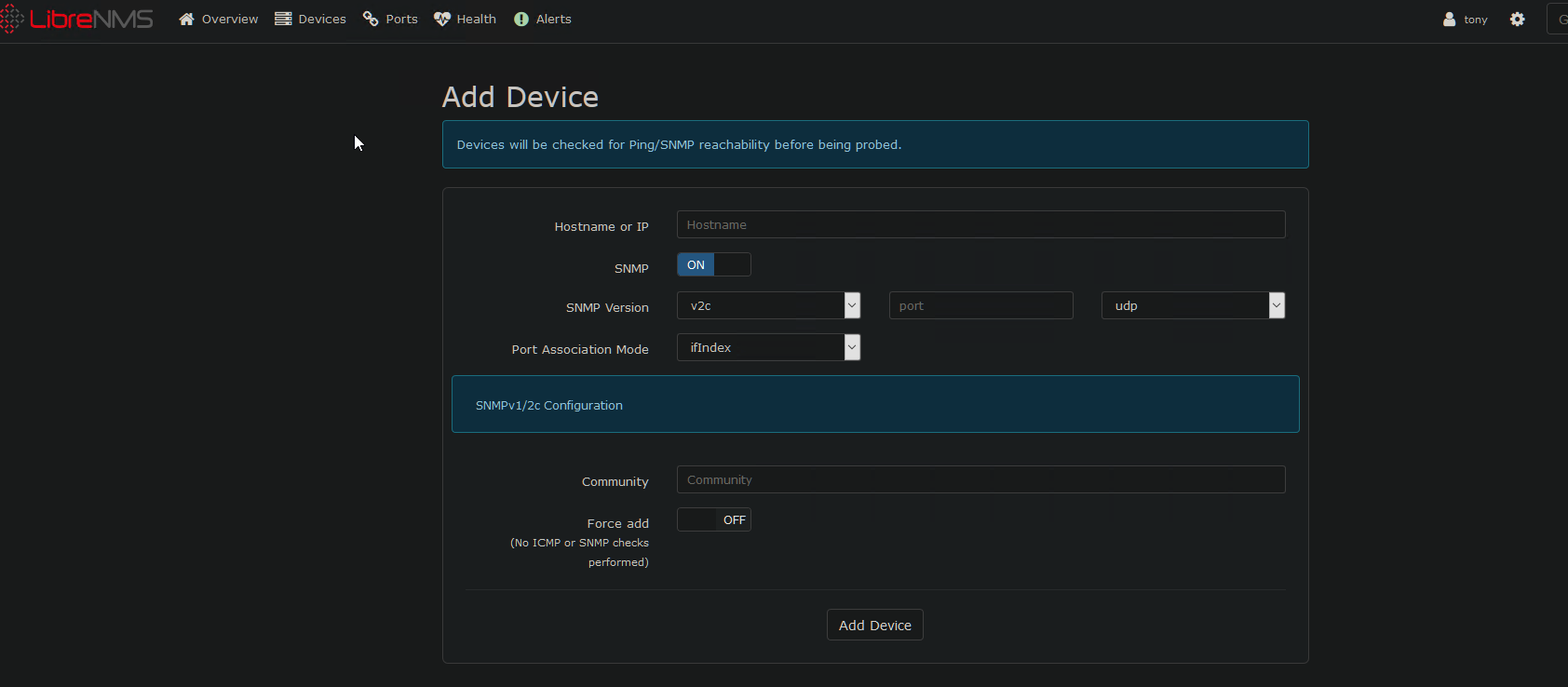
參考文章
https://ithelp.ithome.com.tw/articles/10224076
https://www.ichiayi.com/wiki/tech/librenms